
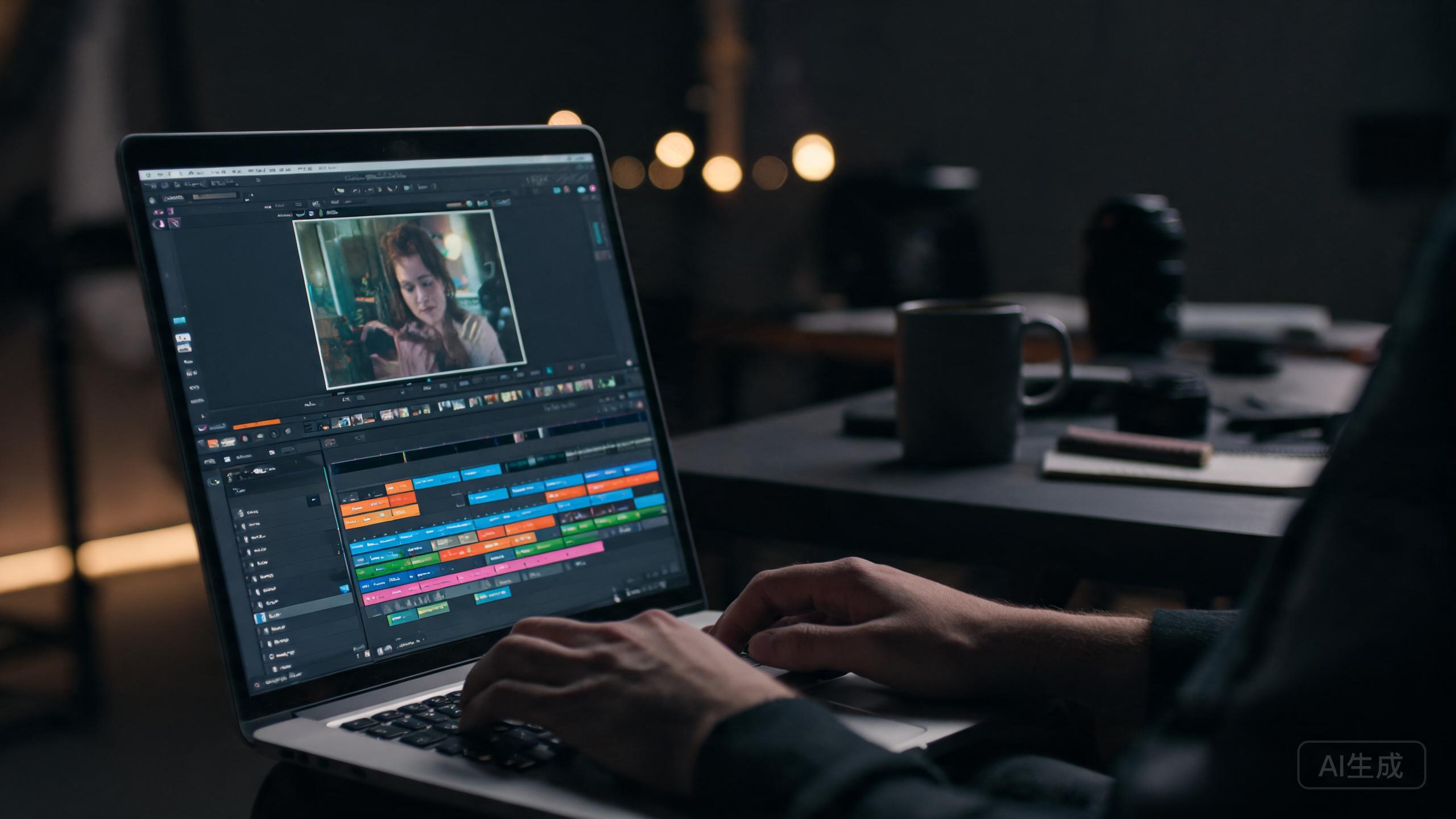
Few tasks hit a laptop harder than video editing. Scrubbing 4K footage, rendering effects, and exporting long timelines will throttle a weak machine in minutes. The right laptop makes it feel smooth.
What actually matters
A fast processor, a strong graphics chip, lots of unified memory, and a fast SSD matter far more than raw core count. Look for at least 16GB of RAM — 32GB if you edit large projects — and 1TB of fast storage to keep proxy files and footage local.
Screen color counts
You can't grade color you can't see. Aim for a display with high color accuracy and wide gamut coverage, or plan to use an external monitor. A bright, accurate screen saves you from painful surprises when a project lands on someone else's display.
Mac vs. Windows for editors
Apple's media engines make MacBooks superb for many editors, especially in Final Cut and now in the optimized Adobe and Blackmagic apps. Windows machines with powerful dedicated GPUs remain the choice for heavy GPU rendering or specific plug-ins.
Our recommended picks
MacBook Pro 14 (M4 Pro)
Powerful, quiet, and color-accurate — the creator favorite.
Dell XPS 16
A big, bright display and strong dedicated graphics for Windows editors.
ASUS ProArt Studiobook 16
Built explicitly for creators, with a certified accurate display.
The verdict
The MacBook Pro 14 is the safest all-around editing machine, while the XPS 16 and ProArt are the top Windows picks for GPU-heavy workflows.
✓ Pros
- Smooth 4K timeline playback
- Fast export times
- Color-accurate displays on the top picks
✗ Cons
- Expensive
- Fans can get loud under load
- Heavier than thin-and-light alternatives